Troubleshooting Failed Installs 55640074
Problem
ScrewDrivers v6 and Simplify Suite v6 use a Windows Installer-based mechanism produced by Advanced Installer. While the installer is adaptive to a variety of environments, some conditions cause a failure to complete the install.
Failed Installation Dialog
For all Simplify Suite and ScrewDrivers installers, Advanced Installer shows a standard error message dialog if the install can't complete. It will look similar to this example:
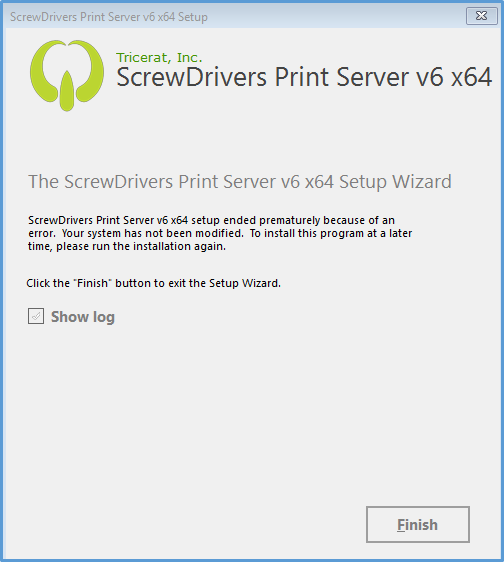
When the administrator clicks Finish, the installer will open the Windows Installer log in Notepad. Again collect the Windows Installer log for review by Tricerat Support. The Windows installer log is typically located in a Temp folder location. If you view the log using the Show log option, just use a Save As option to determine the path of the Temp folder. If you are using silent command line options, open a file browser and type %TEMP% in the address bar. This will resolve to the temp folder used by the installer. Sort by date and look for files that begin with "MSI" and are followed by 4 hexadecimal digits. The installer files will have a ".LOG" extension. An example filename: MSIECBB.LOG
Solution
Use the steps above to gather the log information from the Windows Installer and contact Tricerat Technical Support. A Tricerat Developer will review the case to resolve the issue.
- Page: