Unblocking Downloaded Files from Tricerat
When you download files from Tricerat (or any internet source), Windows automatically marks them as potentially unsafe by "blocking" them. You'll need to unblock these files before using them, or you may encounter strange installation problems. Most modern operating systems include this security feature, though some older systems don't.
Checking if a File is Blocked
To see whether a file needs to be unblocked, right-click it in File Explorer and choose Properties. At the bottom of the General tab, you'll see a security notice with an "Unblock" checkbox if the file is blocked:
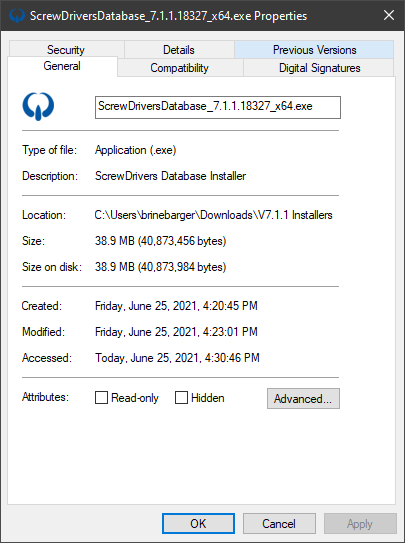
Unblocking installers before running them is a critical step that can prevent many mysterious installation failures.
Important: When checking file properties, select only one file at a time. If you select multiple files and then open Properties, Windows won't display the Unblock checkbox even if all the selected files are blocked.
Security Best Practices
Always exercise caution when running files downloaded from the internet. Never double-click an installer or executable unless you trust its source and have verified it's the file you intended to download.